5 Pitfalls When Using AI for Projects
1. Why do "pitfalls" become hidden costs?
When you use AI for projects, unclear scope, tools that don’t connect, delivery that’s hard to accept, knowledge stuck in one person, and no retro—these pitfalls turn into "tax" that never shows up in the contract: rework, communication, quality, handoff, all adding up. Spot the common pitfalls, and you can avoid them and pay less hidden cost. Below we list the 5 we see most often so you can check yourself; no judgment, just what usually happens and how to reduce it. If you want to avoid these and size up your hidden cost, there’s a path at the end.
2. Pitfall 1: Starting before the scope is locked
What happens: You start before requirements are aligned and scope is agreed; understanding drifts, rework piles up. Scope keeps changing, development chases it, and time and money go. Deliverables don’t match expectations, and you need another round—rarely in the first quote.
How to avoid it: Align requirements and lock scope before you build; a clear "requirements → docs" step cuts rework. We run requirements → docs → design → development with outputs and sign-off at each step, so understanding stays aligned.
3. Pitfall 2: Tools stacked, not wired
What happens: Claude, v0, Cursor—multiple AI tools used in isolation, with no clear flow from requirements → docs → design → development. Handoff loses information, work is duplicated; more tools don’t add up to more output.
How to avoid it: Wire tools into a flow instead of stacking them. We set up the handoffs between requirements, docs, design, and development so less is lost, and less is repeated.
4. Pitfall 3: Delivery that’s hard to accept
What happens: No clear acceptance criteria or milestones; you only see it’s wrong when it’s "done," then another round. Hidden costs pile up with "one more iteration," and reporting is messy—"did we actually deliver?" is unclear.
How to avoid it: Define acceptance criteria and checkpoints up front; deliver in sprints with clear acceptance. We deliver in sprints with defined outputs and acceptance, so you don’t discover problems only at the end.
5. Pitfall 4: Knowledge silos, hard to hand off
What happens: Critical logic, access, and docs sit with one or two people; when they leave, you can’t take over. Taking over yourself or bringing in another team means rediscovering everything—more cost, usually not in the contract.
How to avoid it: Document and make code and access handoff-ready; deliver so it can be continued. We deliver code, docs, and access so you can maintain or hand off to another team with something to work from.
6. Pitfall 5: No retro, no iteration
What happens: When it’s "done", everyone moves on—no summary, no iteration. Next project, same pitfalls, same hidden cost: rework, communication, quality, handoff all over again.
How to avoid it: Run a retro when the project ends and turn it into a reusable flow or checklist; build in a retro so you can iterate. We run retros so we can summarise and do better next time.
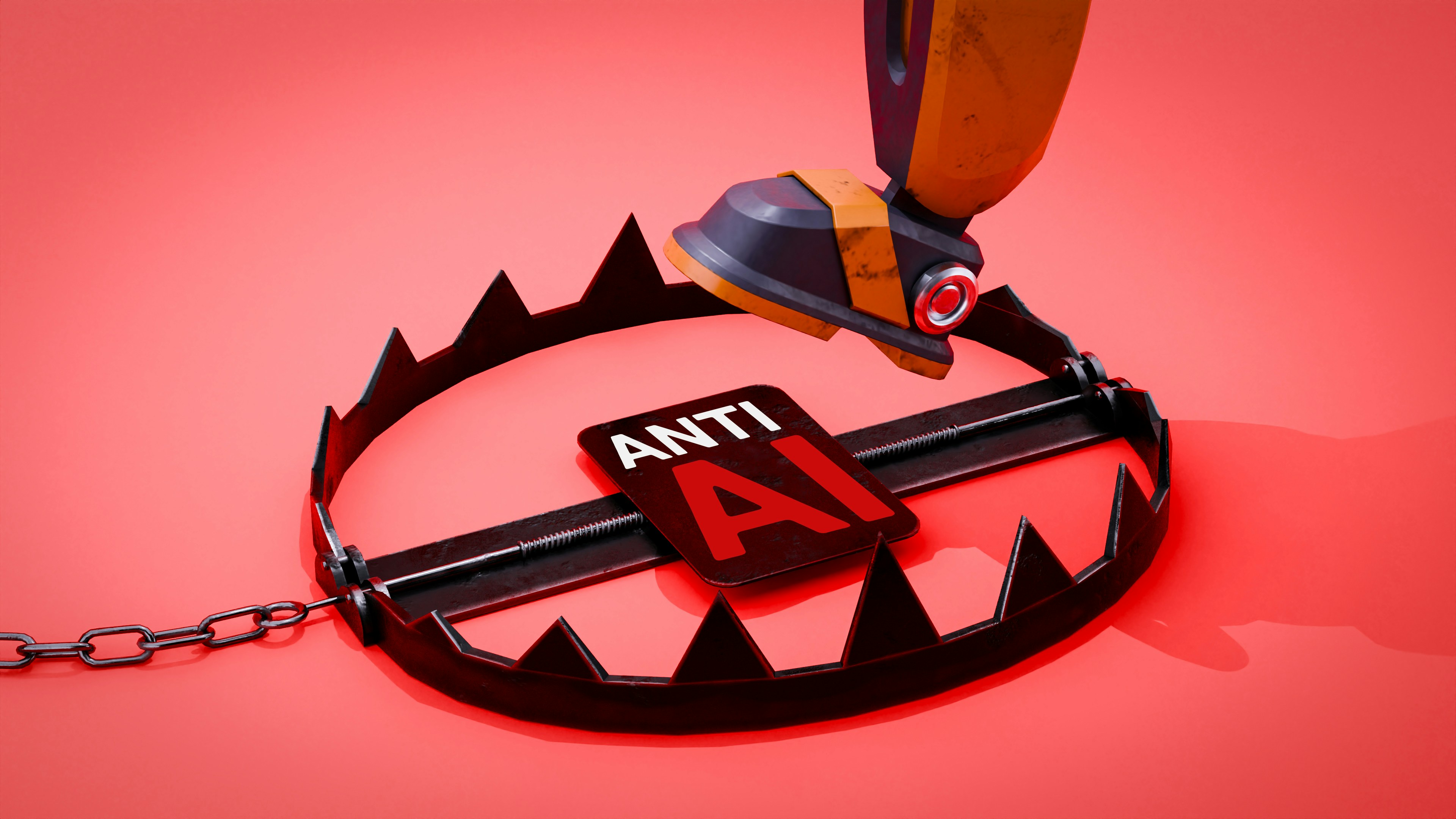
Fig 1: Five common pitfalls—unclear scope, tools not wired, no acceptance, knowledge silos, no retro; avoid them and you pay less hidden cost.
7. Wrap-up
In short: Five common pitfalls when using AI for projects—unclear scope, tools not wired, delivery hard to accept, knowledge silos, and no retrospection. Spot them and avoid them to cut hidden costs. Want to avoid these and size up your hidden costs? Book a free 30-minute call, and we can go through it.
Been there or want to avoid these pitfalls? Book a free 30-minute call, and we can size up your hidden costs. Want predictable cost, a flat monthly fee, no surprises? See our plan and how we run pricing and sprints.
Want to run projects with AI and skip the trial-and-error? Uranus Lab wires multiple AI tools along requirements → docs → development → retro, with people and AI working together for smooth, fast delivery. Learn more or book a discovery call for a quote.
Ready to Build?
Stop building AI wrappers. Build defensible IP with a dedicated engineering pod.